How it works
How I measured the GR's colour
Ricoh doesn't publish how the GR turns a RAW file into a JPEG, so I measured it. I took one RAW, developed it inside the camera again and again with one setting changed each time, and compared the results pixel by pixel.
I'm a photographer in Lisbon. I grew up in the darkroom and these days I shoot a GR IIIx. The measuring was slow, and I'd rather nobody had to do it twice, so the Lab is free with no account, and the research is free too. If you build something with it, I hope you keep yours free as well.
The method
The GR can develop its own RAW files. I shot one scene on my GR IIIx, full of colour charts and grey ramps, and developed that same RAW 302 times in camera. That covers every Image Control, each slider at several steps, every white balance mode and shift, and pairs of settings to see how they combine.
Every JPEG comes from the same RAW, so the pixels line up exactly and the only difference between two of them is the setting I changed. From there I could work out what each setting does, then test the answer on developments that weren't used to fit it.
302 developments is a lot of scrolling through camera menus. The results are published, so you can skip that part and spend your time on something new.
The engine in five layers
The engine rebuilds the camera's processing as five layers, in the same order the camera applies them. The first four are measured: each setting becomes an operator, a 3×3 colour matrix plus a tone curve per channel, fitted to what the camera produced. The fifth, Finish, handles detail and grain with parametric effects tuned against the camera.
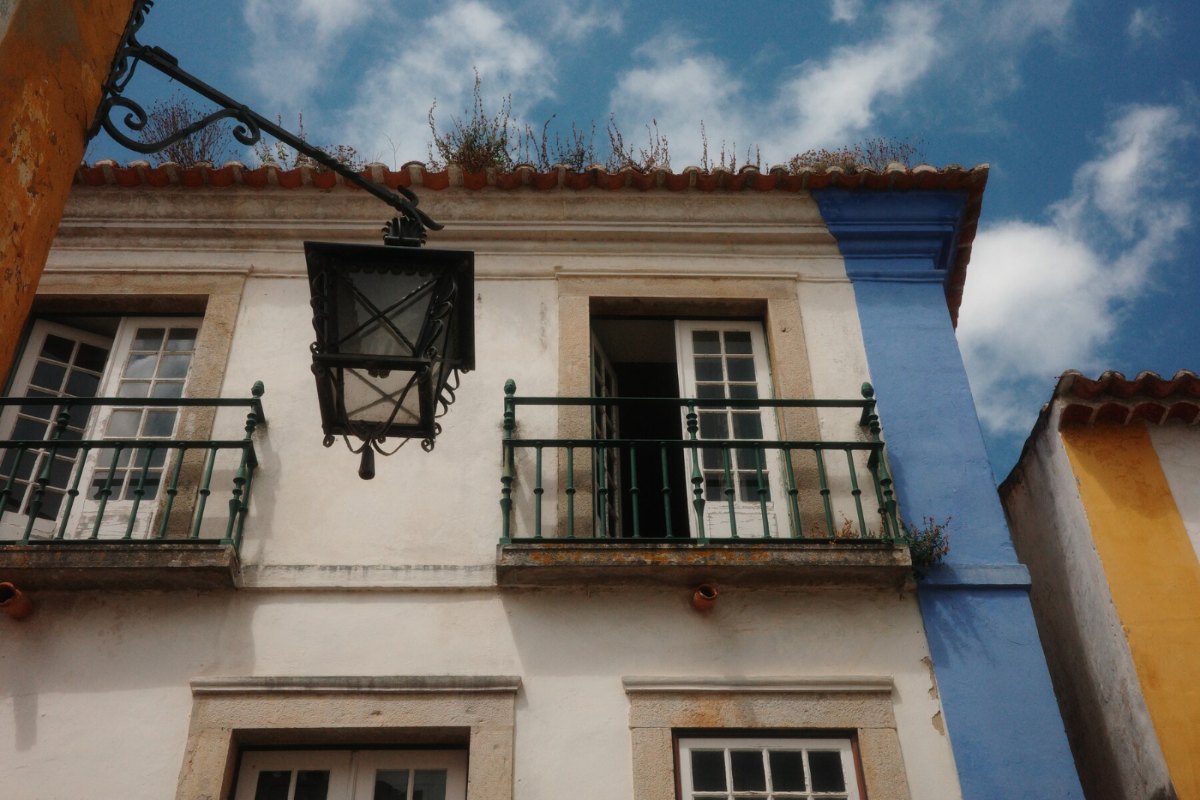
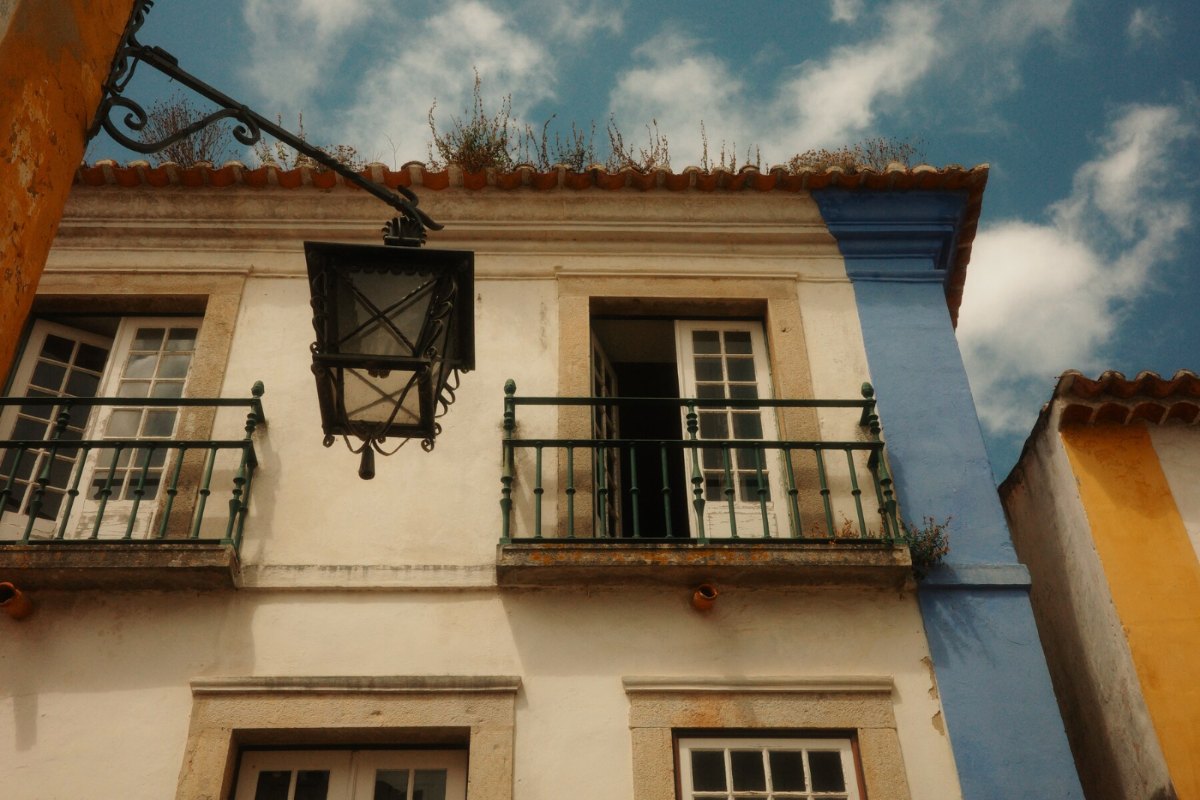
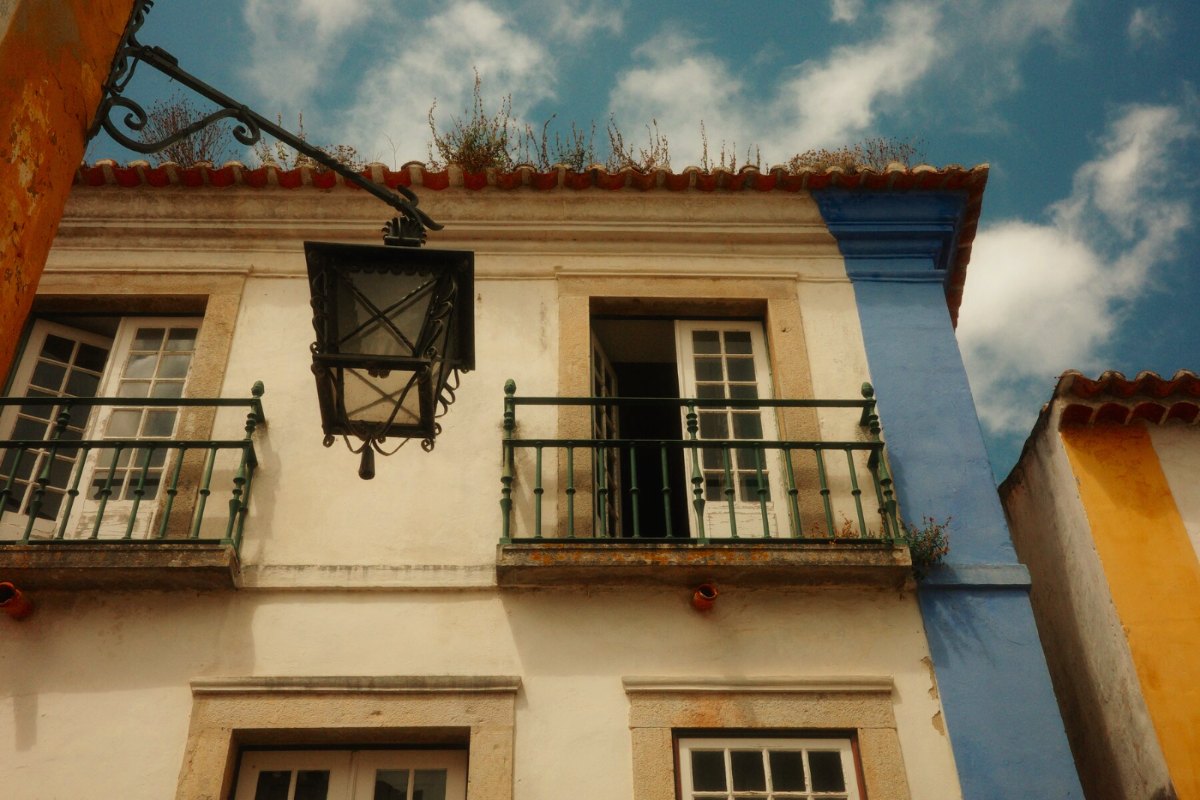
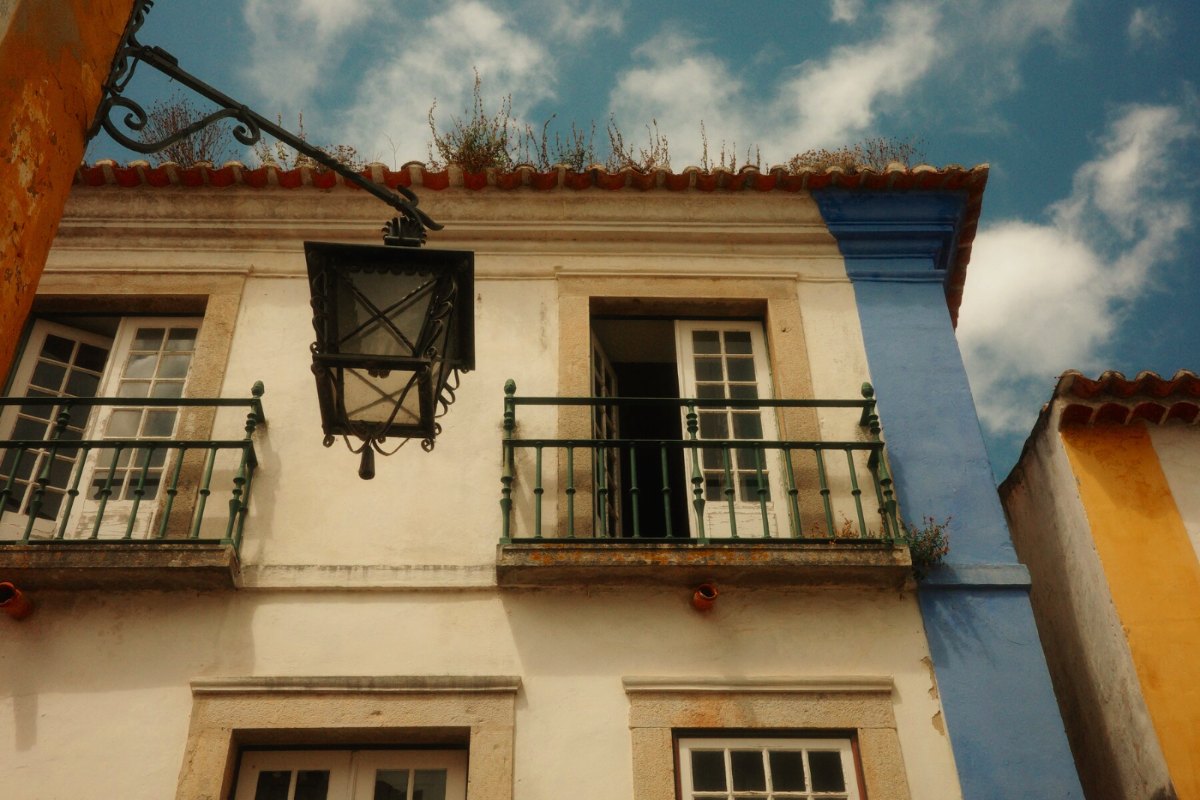
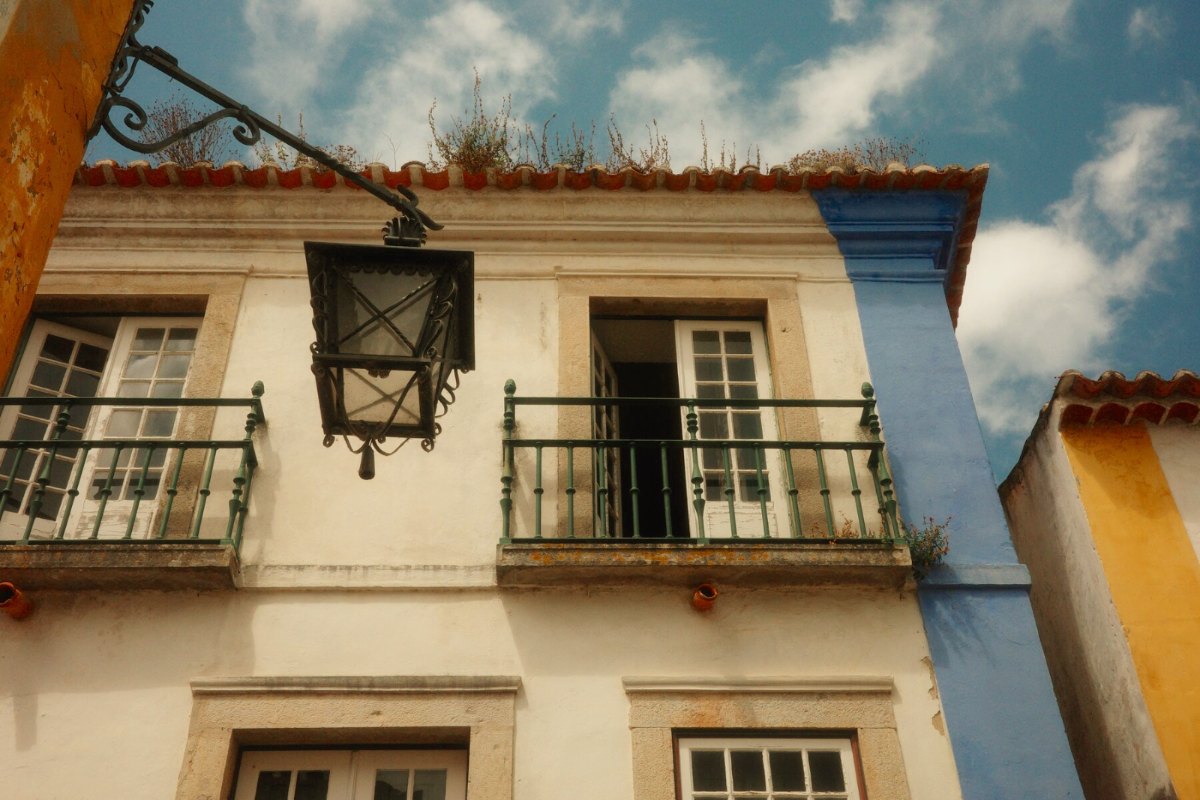
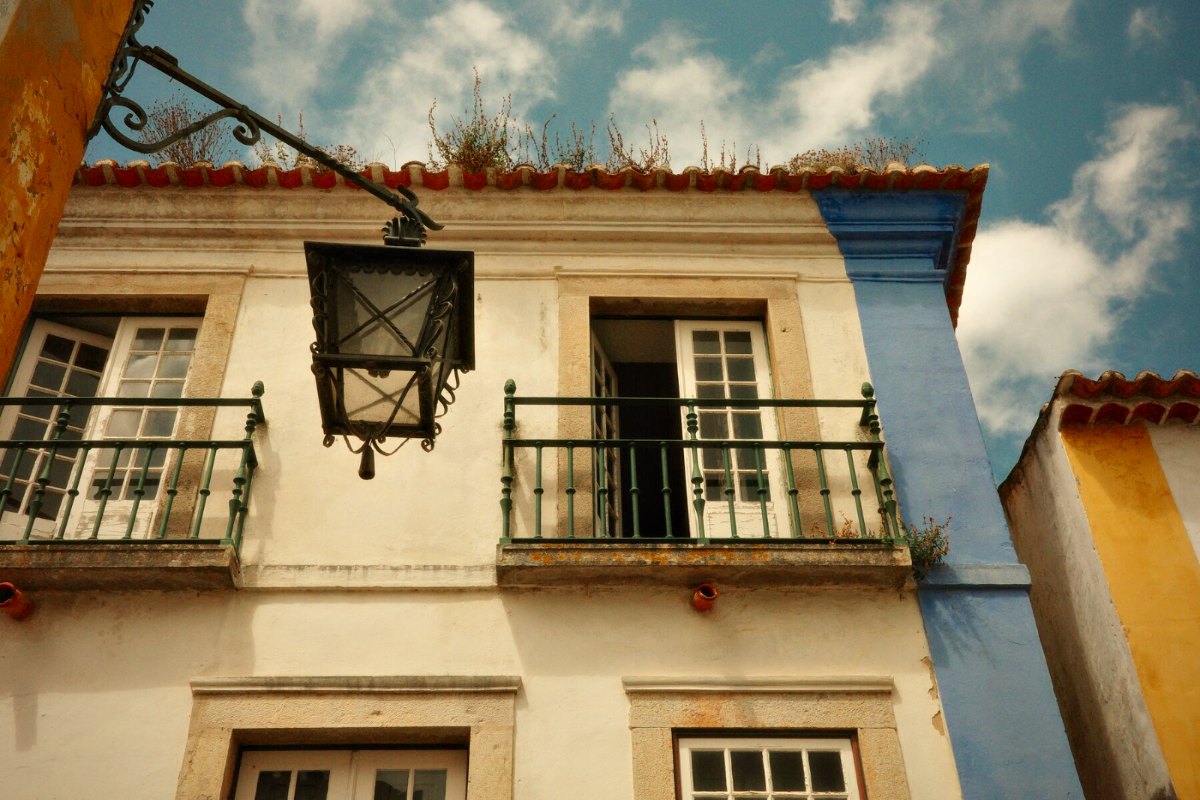
The sample shot, as it came out of the camera
Five layers, in camera order
This is the base. The engine stacks a recipe on top of it, white balance first and Finish last. Pick a layer from the list or the stack to see the photo with every layer up to that one, rendered by the same engine the site uses.
Reading the recipe from your photo
Every GR JPEG and DNG stores its settings in Ricoh's maker-note data inside the file. The Lab reads that data in your browser. If the settings match a recipe in the library, it tells you which one you shot with.
Your photo already has a look baked in, so to preview a different recipe the engine first undoes the one you used, then applies the new one. The photo never leaves your device, and there's no account.
How close it gets
Every development went into the final fit. To check it, I render developments' settings on the base shot in a browser and compare them pixel by pixel with the camera's own JPEGs. The number is the RGB RMS deviation on a scale of 0 to 255, so lower is closer. It can't really go below about 2, because JPEG compression and sharpening add that much on their own.
Use the engine in your own project
The engine and its calibration data are on GitHub. It comes with React components and an MCP server, so you (or the AI assistant you code with) can add it to another project without much work.
# the engine, and React components for it
npm i @fspseva/gr-color-engine @fspseva/gr-color-react

# the MCP server, for Claude Code or any MCP client
claude mcp add gr-color -- npx -y @fspseva/gr-color-mcp
It's free for non-commercial use, as long as you credit me. A personal app, a free tool for other GR shooters, a class or a research paper are all fine. A paid app or anything behind a paywall isn't. GR shooters have always swapped recipes for free, and I'd like the tools around them to work the same way.
The calibration photos aren't in the release. If you need them for research, or you've found a recipe that looks off, come and find me in the Telegram group.